
API para operadores de apuestas deportivas y equipos de negociación
Las casas de apuestas confían en OpticOdds para obtener una precisión de precios inigualable, información sobre cuotas en tiempo real y actualizaciones rápidas y fiables. Capacite a sus equipos de trading con información automatizada, mercados más precisos y herramientas diseñadas para reducir el riesgo y maximizar el margen.
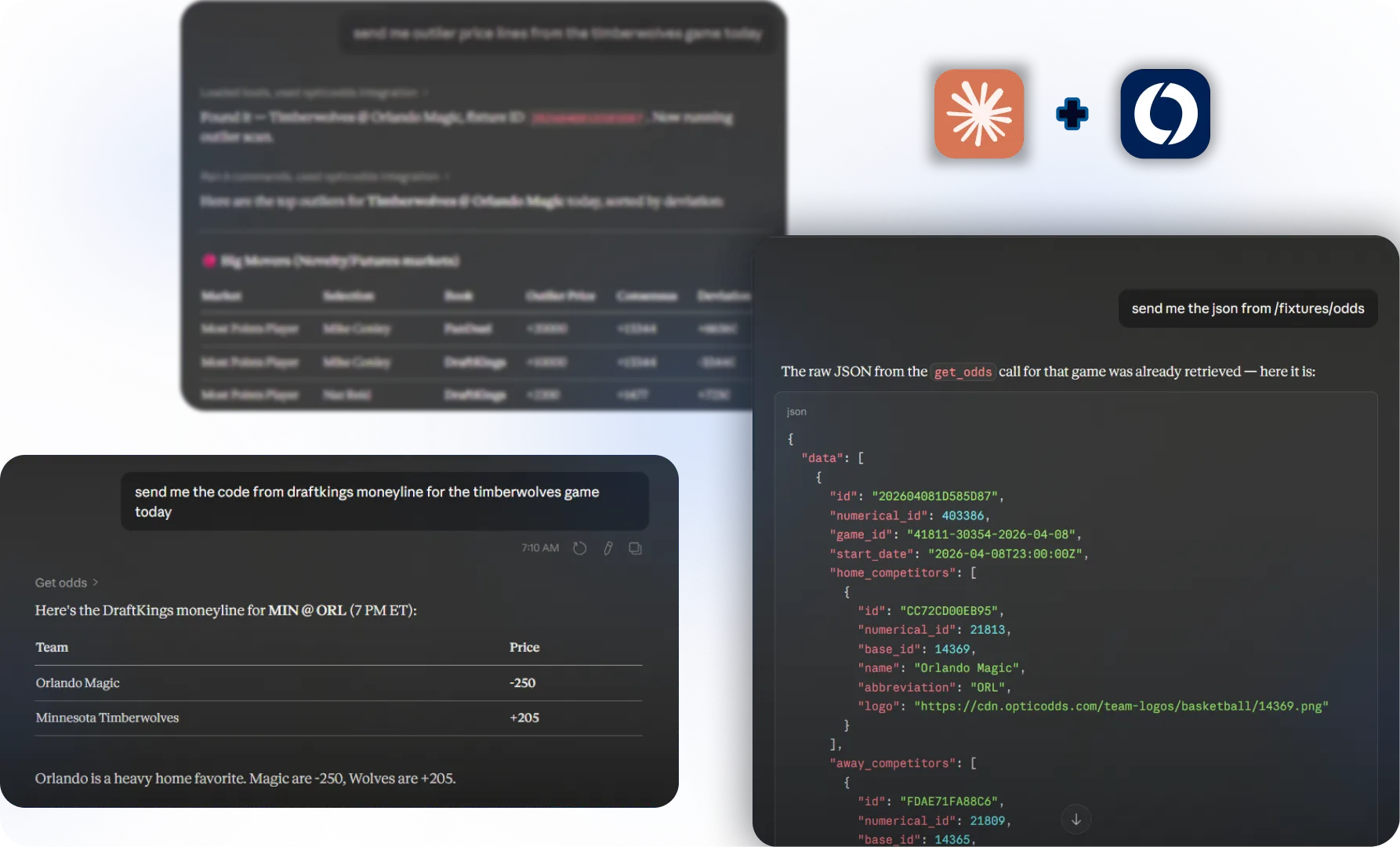
What Our Sportsbook AI Can Do

Live Fixtures & Odds
Ask for real-time fixtures and odds across all supported sports and leagues. Get instant snapshots of today's action without leaving the conversation.
Player Props
Request player prop markets for any upcoming game directly through Claude.
Line Movement History
Ask Claude to show you how a line has moved over time. Spot trends, identify sharp action, and understand where the market is heading.
Cross-Book Line Comparison
Compare lines across multiple sportsbooks side by side and instantly surface the best available price for any market.
Outlier Detection
Scan all active markets and flag odds that stand out from the pack
Futures Odds Comparison
Pull and compare futures prices across books for any season-long or tournament market, all in one response.
Bet Grading
Check the result of any settled market.
FAQ
Sportsbook AI FAQ
What is the OpticOdds AI integration for Claude?
OpticOdds AI integration in Claude connects your OpticOdds account directly to Claude Desktop, giving you conversational access to live odds, fixtures, player props, line movement, and more. You can simply ask Claude for the data you need, like comparing lines across sportsbooks or scanning markets for outliers and get answers in real time.
I'm already an OpticOdds API customer. How do I set it up?
If you already have an OpticOdds API key, you can get started right away. Install the OpticOdds MCP server, add your API key to the configuration, and connect it to Claude Desktop. Once connected, all of OpticOdds' data and tools are available directly inside your Claude conversations.
I don't have an OpticOdds account yet. How do I get started?
You'll need an OpticOdds API key to use the AI integration. Head to opticodds.com/contact to get in touch with the team and get set up with an API key. Once you have it, follow the setup instructions to connect OpticOdds to Claude Desktop and start querying live odds conversationally.
¡Información privilegiada que realmente utilizarás!
Correo electrónico quincenal para compartir los mejores consejos, herramientas e ideas de nuestro equipo cuantitativo.
¡Gracias por tu suscripción!
¡Uy! Algo salió mal al enviar el formulario.

TOOLS

API DE APUESTAS DEPORTIVAS
SPORTS
COMPARACIONES
ACERCA DE